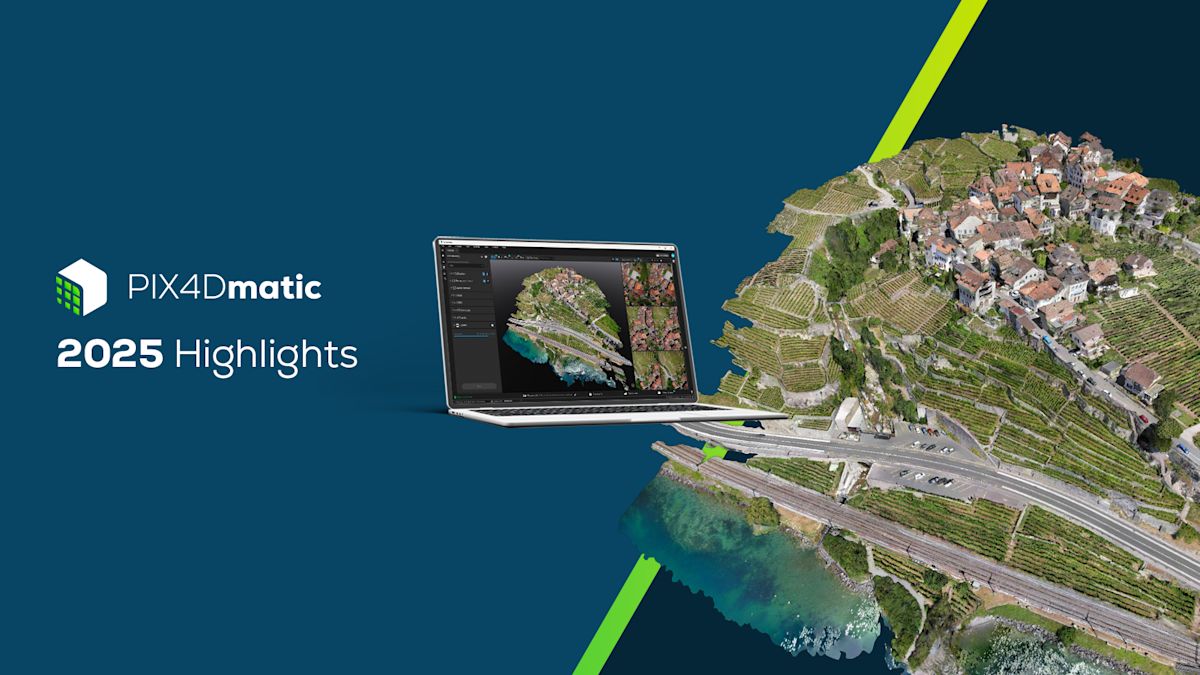
PIX4Dmatic highlights 2025
This year, PIX4Dmatic leveled up. First up, we introduced a modeling control with our new orthomosaic editor for cleaner orthomosaics, then we accelerated output sharing to PIX4Dcloud, with up to 300x gains for some projects. We also added Intel Arc GPU hardware acceleration for orthomosaics and enhanced overall project handling and processing template selection!
We now have smarter 2D vectorization tools, giving professionals more precision where it matters. And with enhanced support for external LiDAR (LAS/LAZ) inputs, PIX4Dmatic now brings imagery and point clouds together more seamlessly than ever.*
This rapid development sets the stage for our major product evolution coming early next year—stay tuned for the announcement!
To see which hardware works best with PIX4Dmatic, check out the independent performance testing from Puget Systems.
Orthomosaic editor
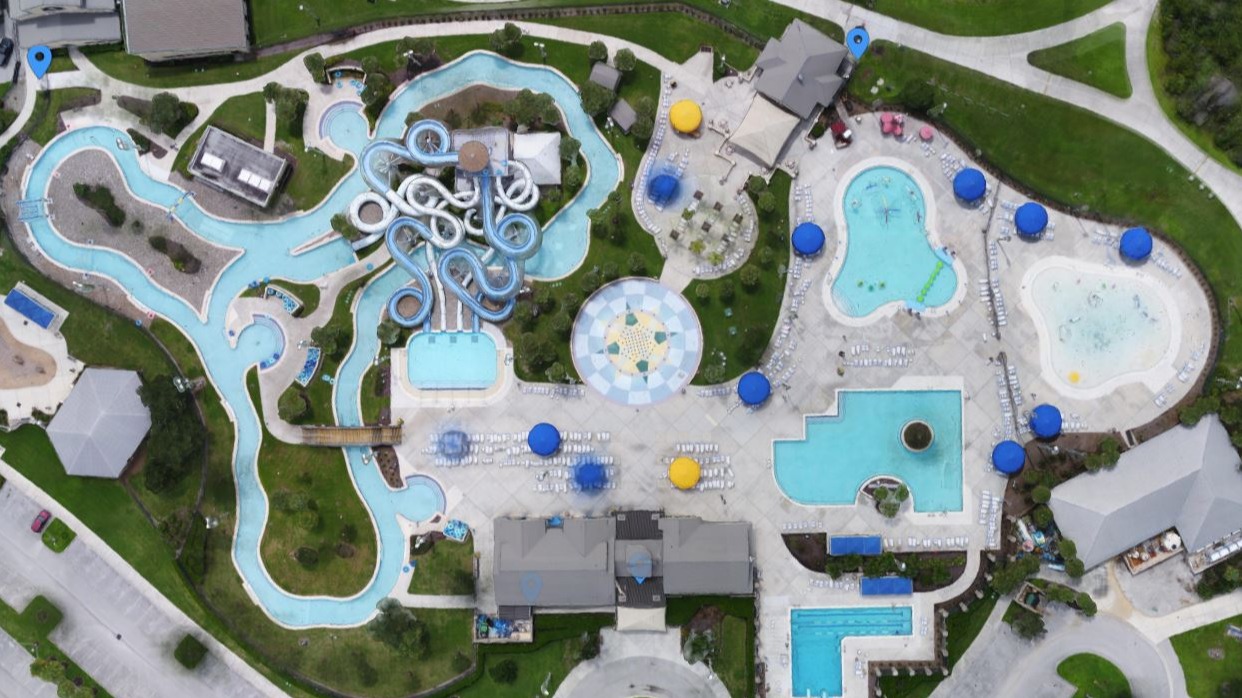
The new orthomosaic editor is giving users more control over final outputs. This feature allows the user to manually fine-tune and correct unwanted artifacts (like moving objects) directly within their final image mosaic for high-quality professional deliverables.
The improvement reflects the practical demands of surveying, utilities, and infrastructure projects, where orthomosaics are often used as authoritative records. In these workflows, even small visual defects can undermine confidence or require the use of external tools to correct them. This is also highly valuable for collision reconstruction professionals, in order to create a clean orthomosaic visual record.
By enabling precise adjustments inside PIX4Dmatic, the new editor supports the level of visual rigor expected in technical environments where data reliability directly affects project decisions.
Combine LiDAR and drone data
A major focus for PIX4Dmatic in 2025 was making it easier to combine data from different sources, like bringing in LiDAR point clouds (LAS/LAZ files). This update significantly simplified workflows: users can now just drag and drop their external LiDAR data right into a new or existing project. PIX4Dmatic merges this data, automatically, asking for the correct coordinate reference system (CRS) to guarantee detailed precision when blending these different datasets (and for the trajectory file to allow mesh generation).
This feature allows you to instantly view and analyze LiDAR and photogrammetry together, massively improving the scope and overall accuracy of large-scale mapping projects.
LandXML volume calculations
Earthwork and material analysis saw a major upgrade with the introduction of volume calculations based on imported LandXML surfaces. This enhancement allows teams to bring industry-standard design surfaces directly into the workflow, removing extra steps and speeding up every comparison. By integrating external surfaces natively, the software now supports faster, clearer volume assessments that align with how engineering data is actually exchanged on real projects. This feature is in PIX4Dsurvey today, available in PIX4Dmatic soon...
Vectorization
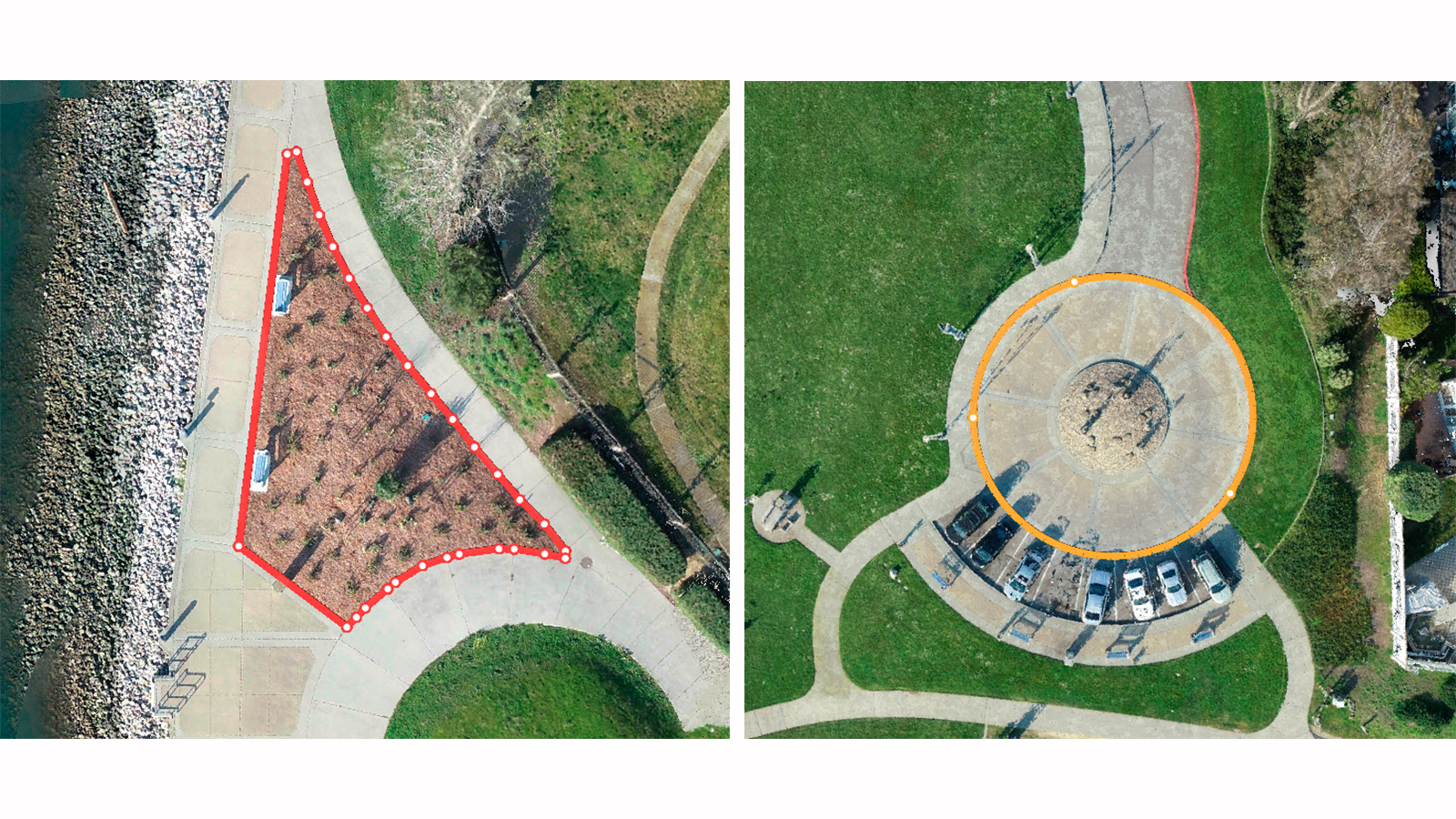
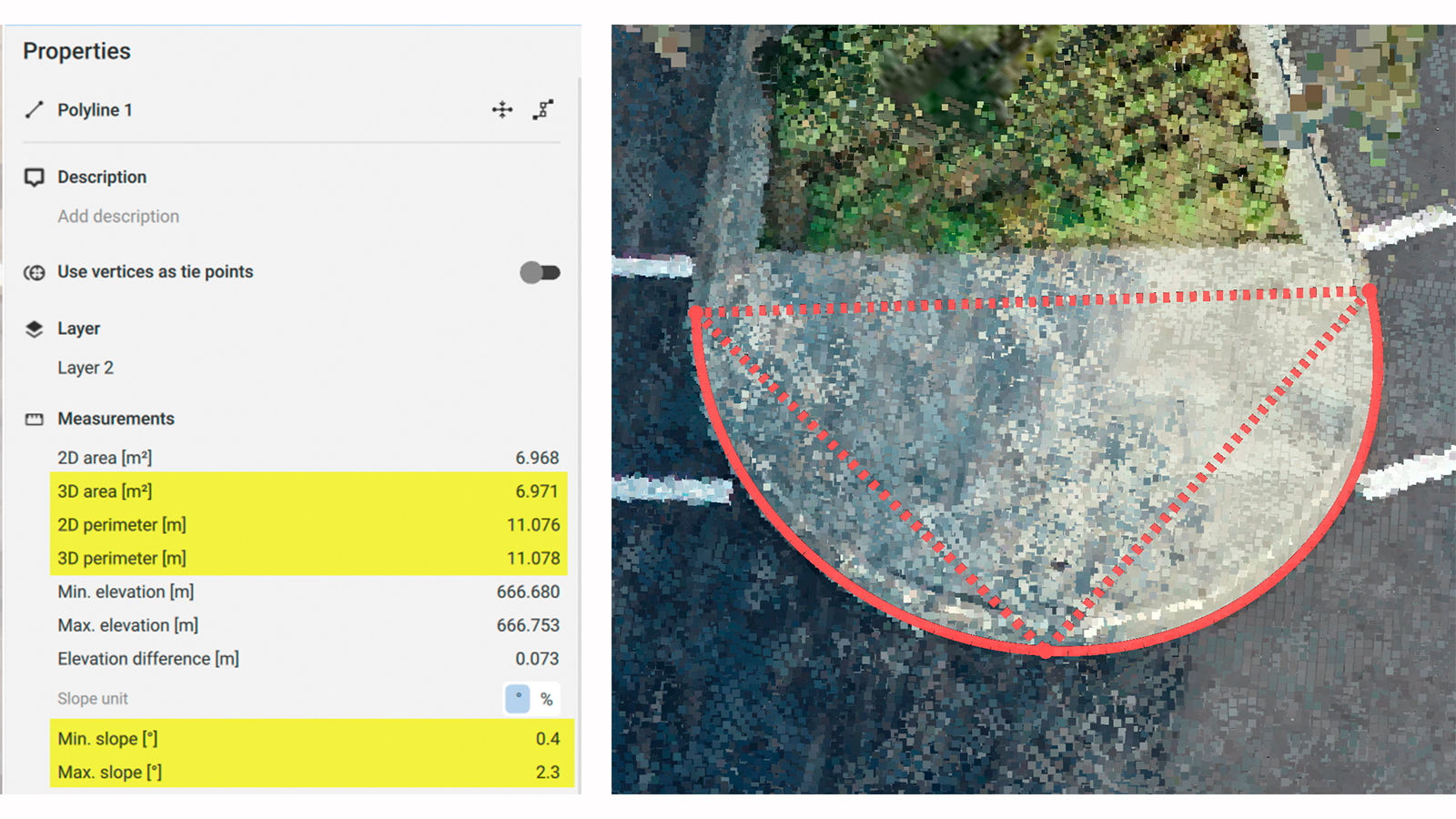
PIX4Dmatic’s 2D viewer received major upgrades this year, enabling faster and more accurate vector drafting. With full polygon support in 2D, users can now visualize, create, and edit areas and boundaries with greater control and clarity. The addition of the highly requested 3-point arcs and circles further strengthens detailed drafting workflows. By defining curved features through three edge points, the tool supports the level of geometric detail needed for professional mapping, asset documentation, and infrastructure planning.
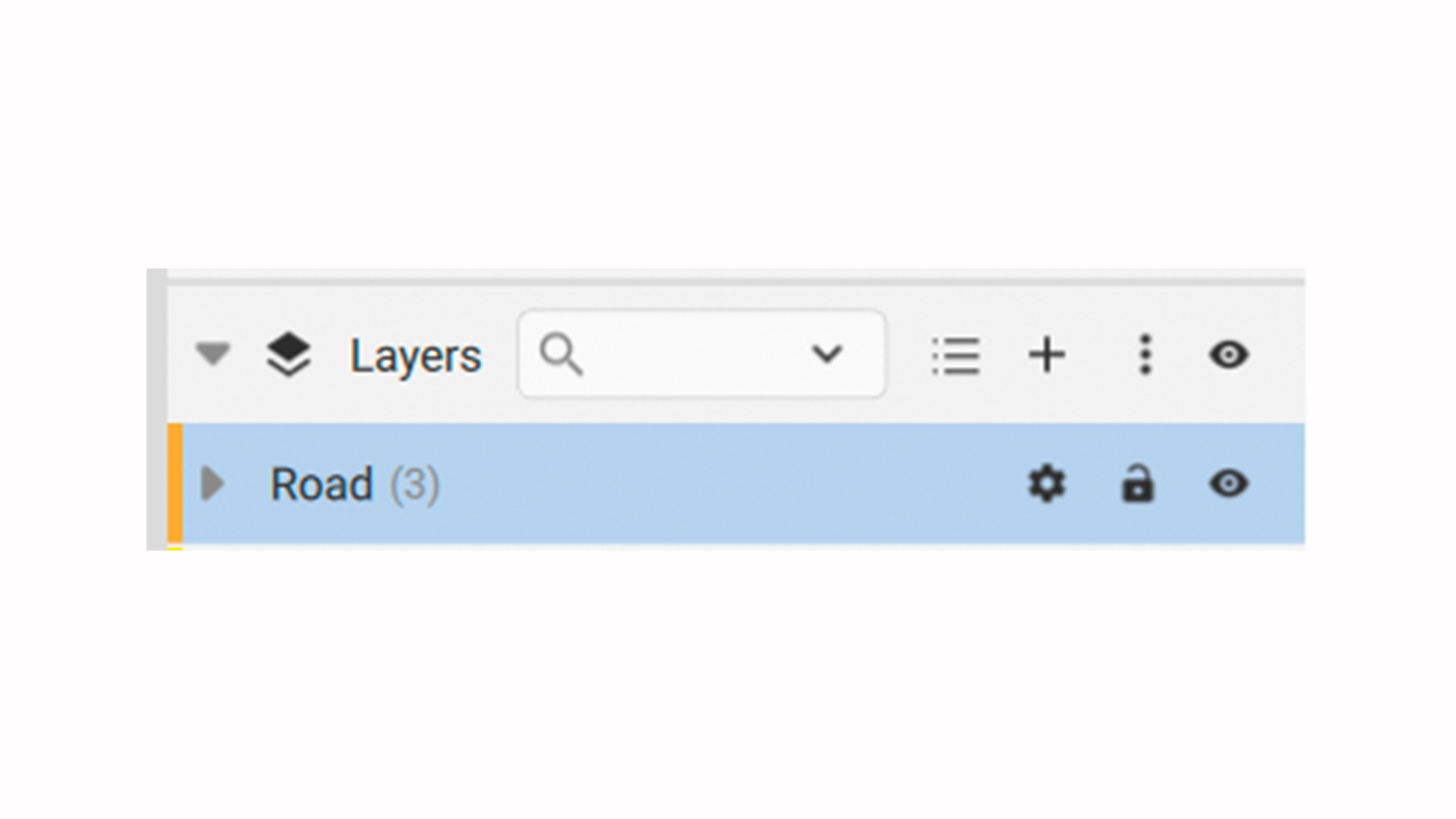
We also added the ability to lock layers and calculate area properties for closed 2D/3D polylines
Boosted data exchange and formats
PIX4Dmatic's data exchange capabilities and third-party compatibility have been significantly boosted. We have added support for several new output formats and enhanced camera flexibility. Users can now work with images without EXIF data, ensuring a wider range of cameras and aerial platforms are supported.
For export, the highly compatible FBX mesh export format for 3D visualization, along with orthomosaic export without transparency, and KML, enables better GIS integration. Also, volumes can now be exported in CSV and LandXML formats, and users can save geometries as markers across several popular formats, including DXF, SHP, GeoJSON, and CSV.
Enhanced Pix4D ecosystem
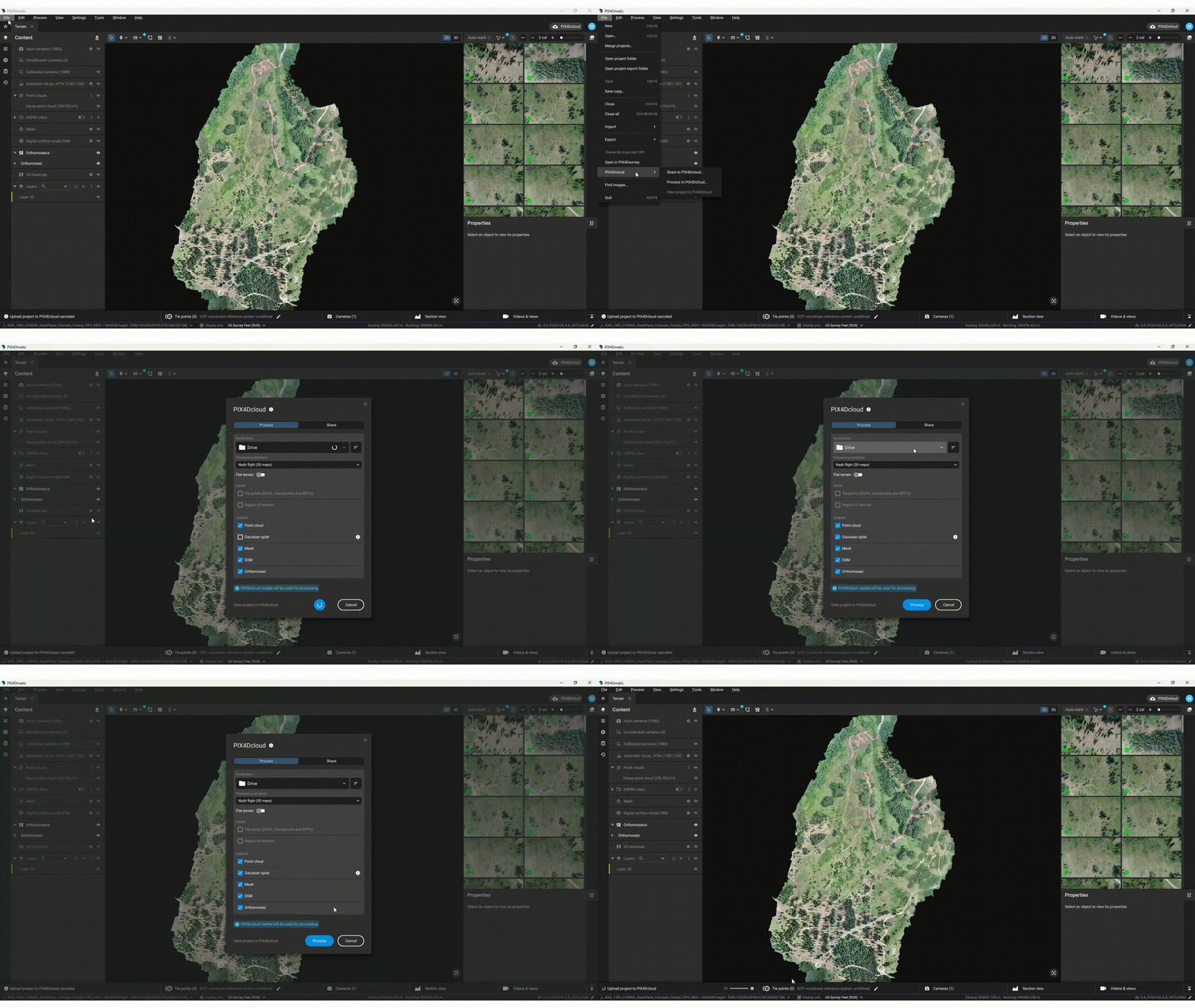
This year, one of the major game-changers for Pix4D has been the improved connection within the software ecosystem, simplifying workflow management. For example, PIX4Dmatic's improved connection to PIX4Dcloud.
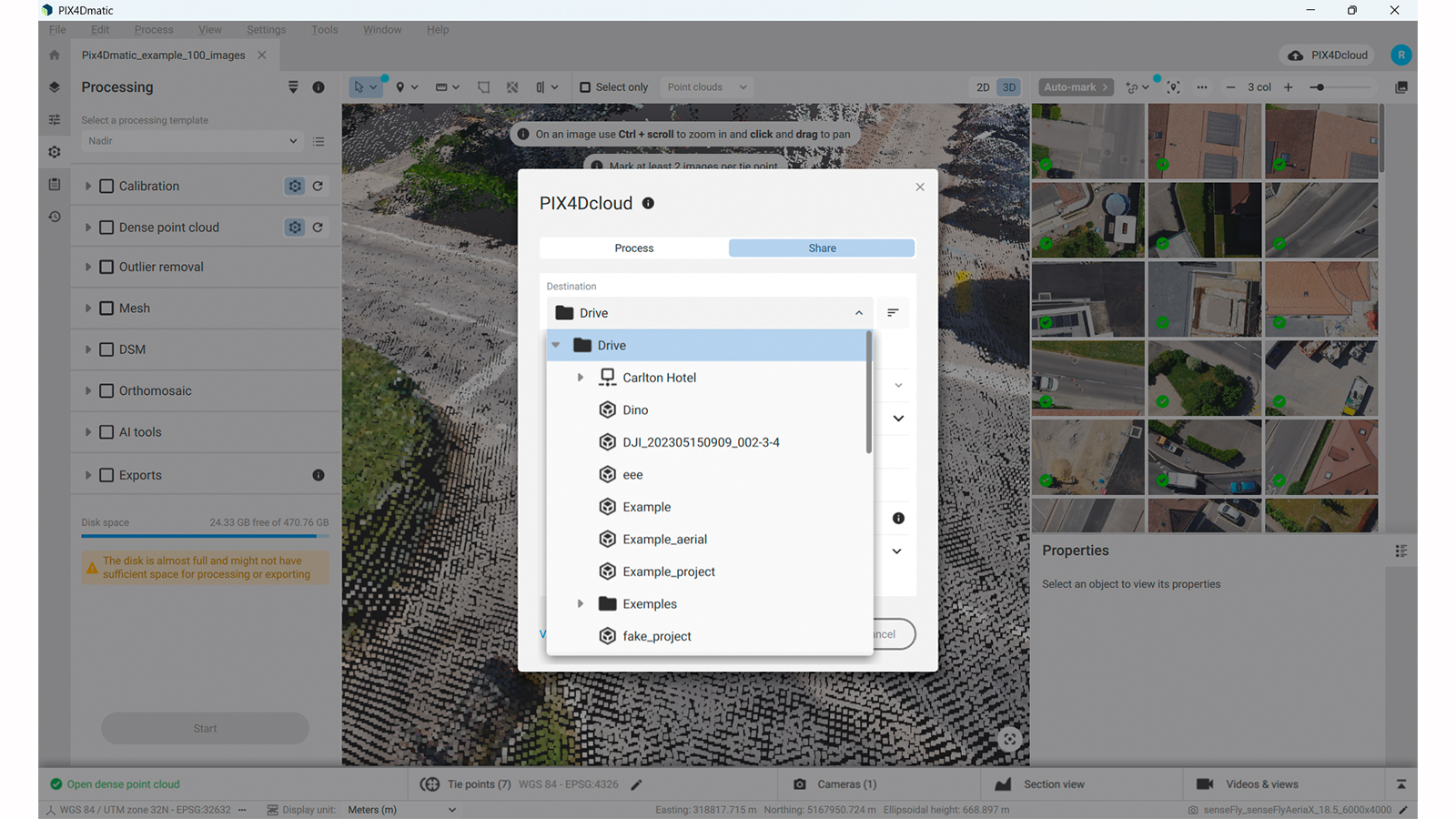
The "Share" and "Process" functions are now in one unified "PIX4Dcloud" dialog where you can choose where to upload the data—whether to a specific folder, site, or project—directly from PIX4Dmatic (viewed below). This change makes it much faster and clearer for users.
Regarding exports, PIX4Dcatch now exports OPF files, providing an end-to-end workflow from capture to share. The OPF files can be opened directly in PIX4Dmatic (viewed below). Additionally, when uploading from PIX4Dmatic to PIX4Dcloud for processing, users can now choose Gaussian Splatting as an output option! They can also share their scalable mesh models directly to the cloud for easy viewing and collaboration.
Site localization
With the addition of image-based site localization, georeferencing workflows become far more efficient for projects in the same area. The software automatically positions projects in local (arbitrary) coordinates by recognizing distinctive points in the imagery, eliminating repetitive manual steps.
This capability is particularly helpful for professionals returning to the same site or handling GCPs in a custom CRS. Showing project data on the 2D basemap and enabling GCP marking before calibration brings smoother handovers, clearer repeatability, and greater reliability across long-term survey programs.
Polygon-aware DSM generation
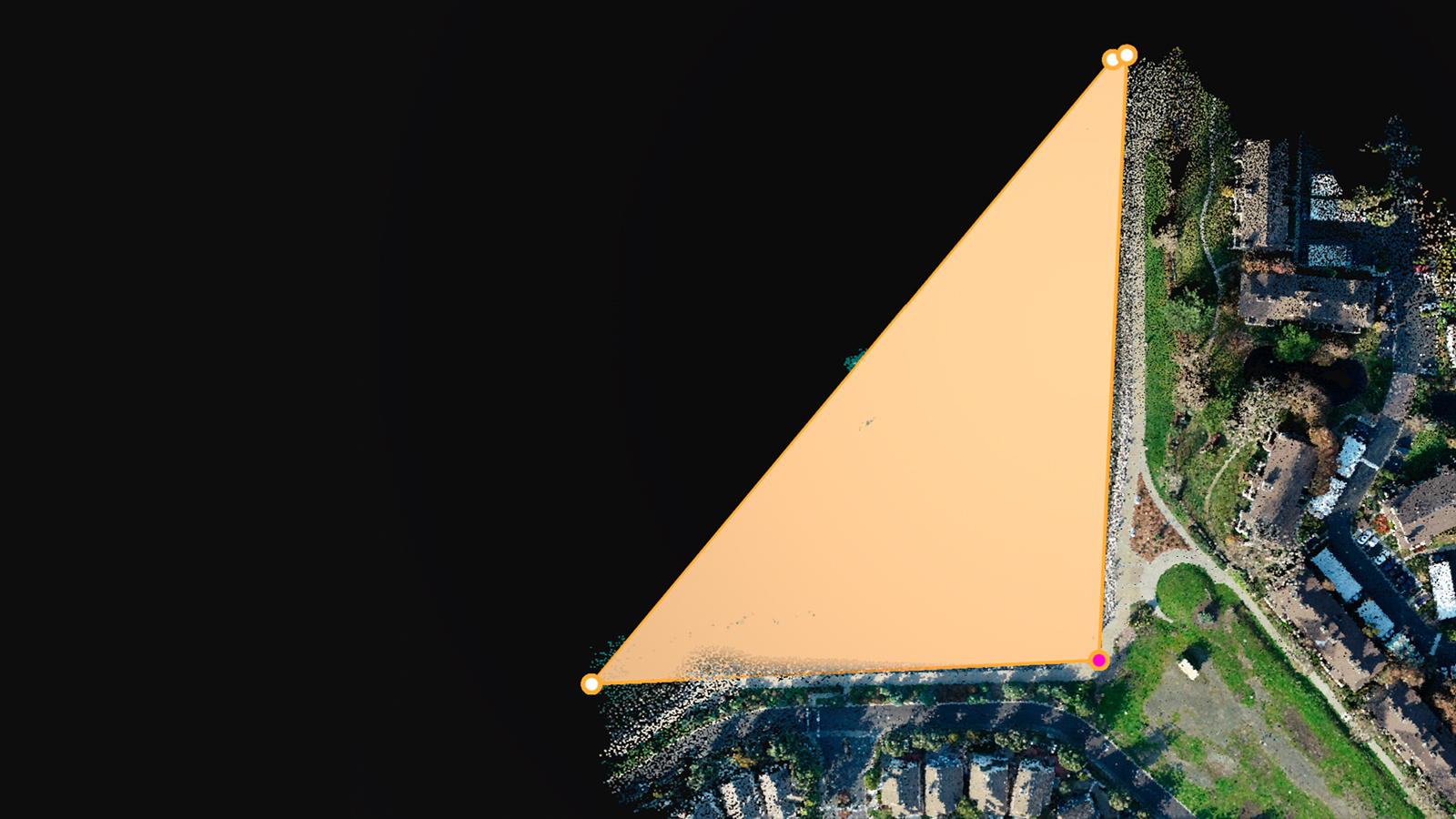
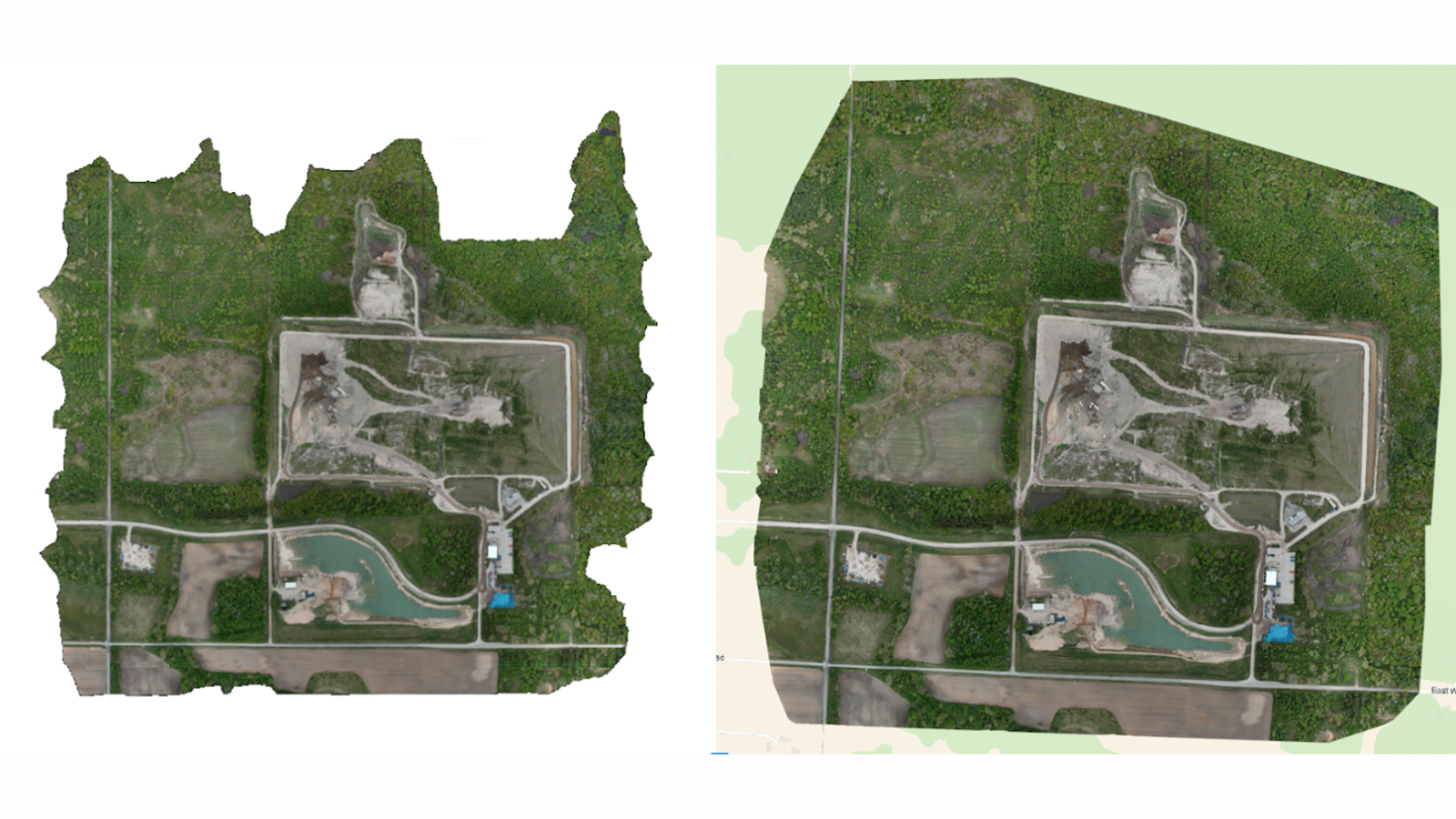
Surface modeling has also been strengthened with new controls in the digital surface model (DSM) workflow. The new “polygon-aware” option allows the software to flatten rooftops, improving transitions, and filling sparse areas such as water with greater consistency. In addition, the new “expand area” setting helps ensure full visual coverage, even when edge overlap is limited. This is particularly valuable for surveyors and collision-reconstruction teams who depend on clean, complete outputs for reporting.
What’s next
Keep a close watch for an important announcement in early 2026. PIX4Dmatic is preparing for a big change to improve your workflow. Keep your eyes peeled!