Smartphone mapping vs. total station: report from a surveyor
What is the mapping accuracy of using a smartphone the PIX4Dcatch app, a LiDAR sensor, and an RTK device in comparison to a high accuracy surveying total station?
Rami Tamimi, a professional surveyor and geodetic engineer with over a decade of experience, answers this question in our article below. Rami tested the viability of using an iPhone as a mapping tool.
Rami’s comprehensive field study compares the traditional high accuracy "gold standard", a Leica total station paired with a GS18 GNSS receiver, against the iPhone 17 Pro.
The experiment was structured in three parts:
- Capturing the site using a standalone iPhone 17 Pro scanning
- Establishing a "ground truth" benchmark using the professional Leica instrumentation.
- Capturing the site again using the iPhone integrated with a Bad Elf Flex Mini RTK receiver.
By overlaying these datasets in AutoCAD Civil 3D, the study reveals a significant shift in how topographic data can be collected, processed, and delivered with professional-grade accuracy.
iPhone 17 Pro, LiDAR, PIX4Dcatch, and RTK
A way to improve the accuracy of the iPhone 17 Pro is to introduce an RTK device, but how much does this device really improve the results? To find out, the study compared two distinct workflows:
Part 1:
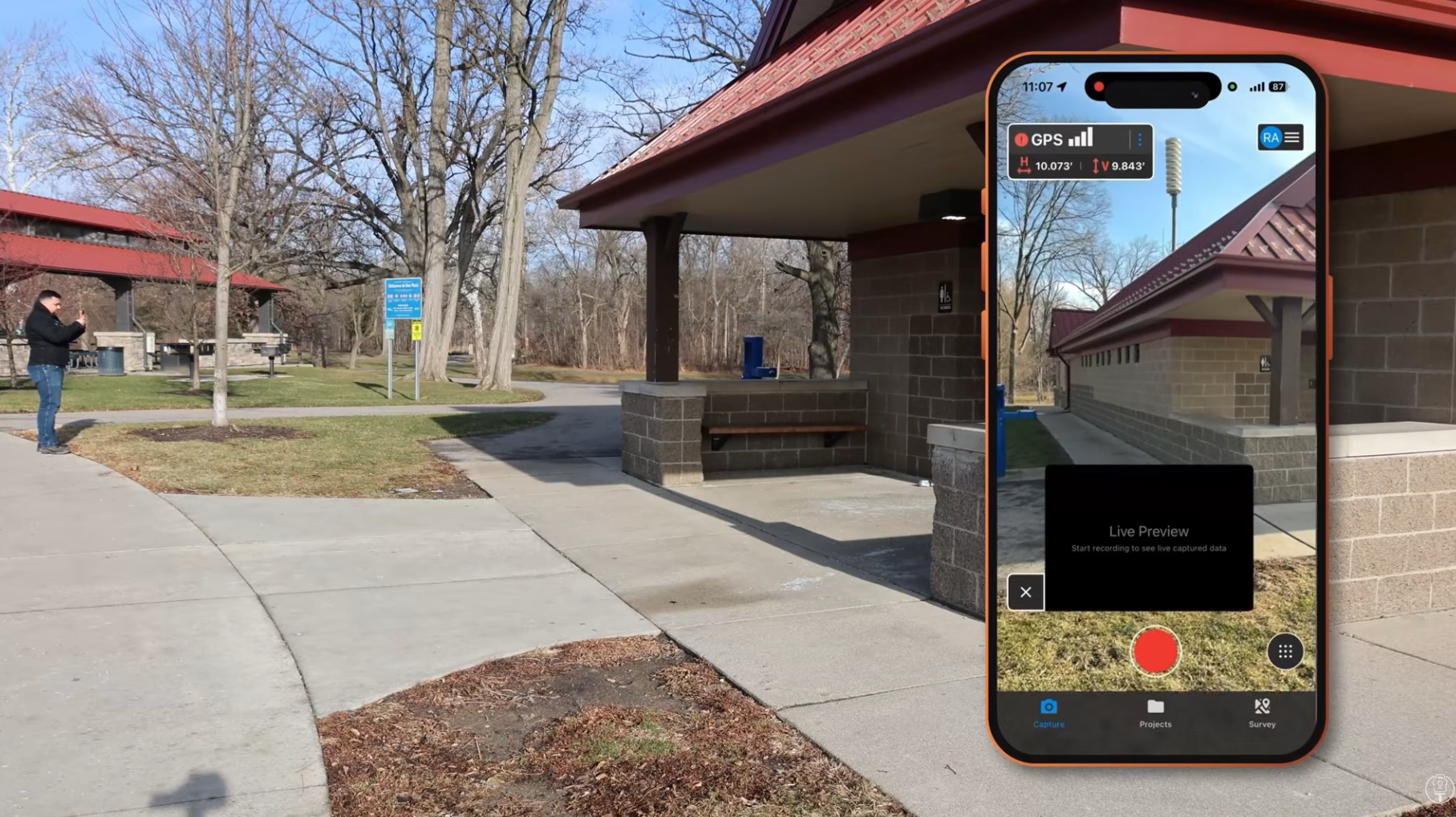
Rami first scanned the building with an iPhone standard internal GNSS: using only the iPhone’s internal GPS with no RTK receiver.
Part 2:
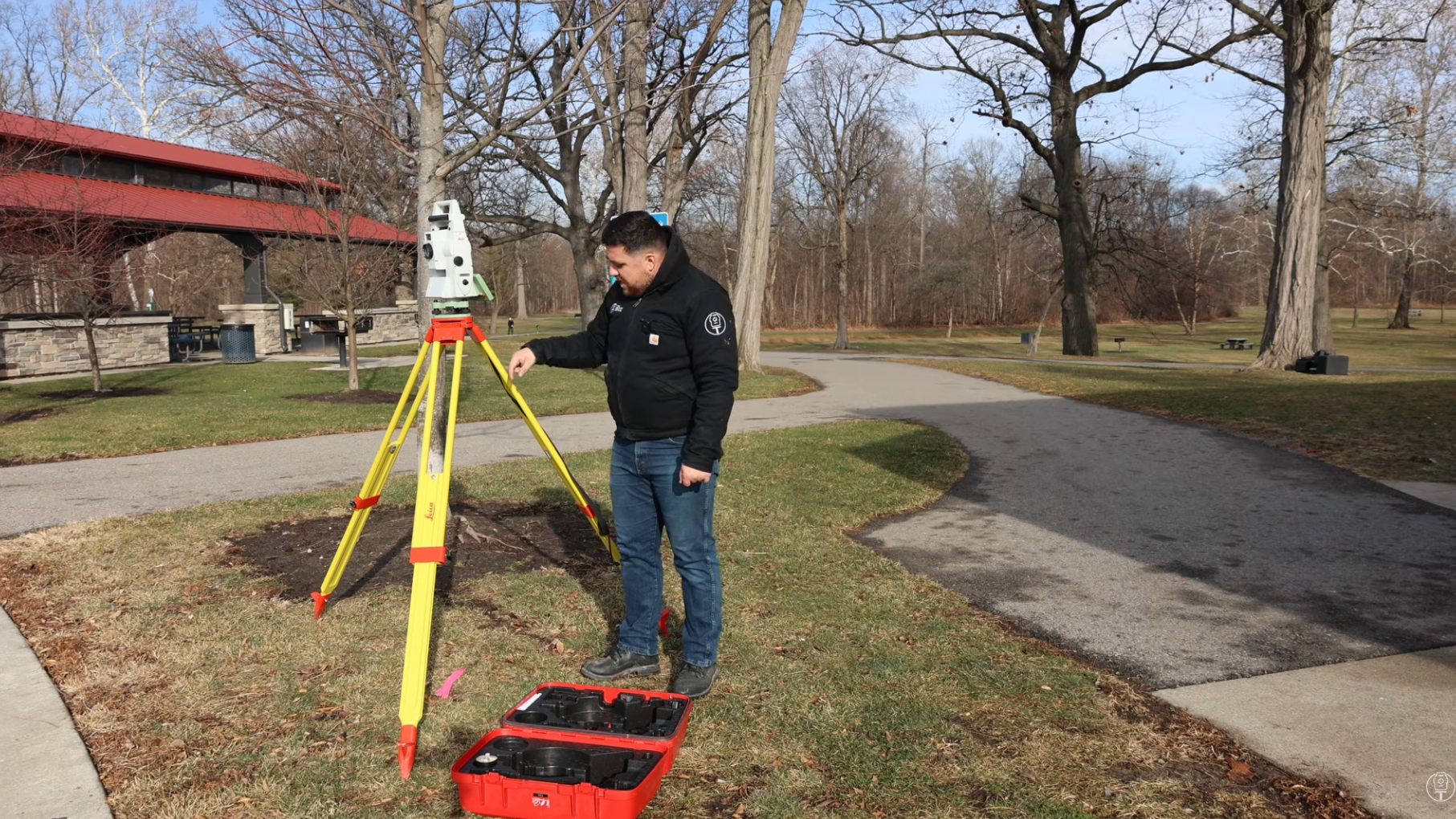
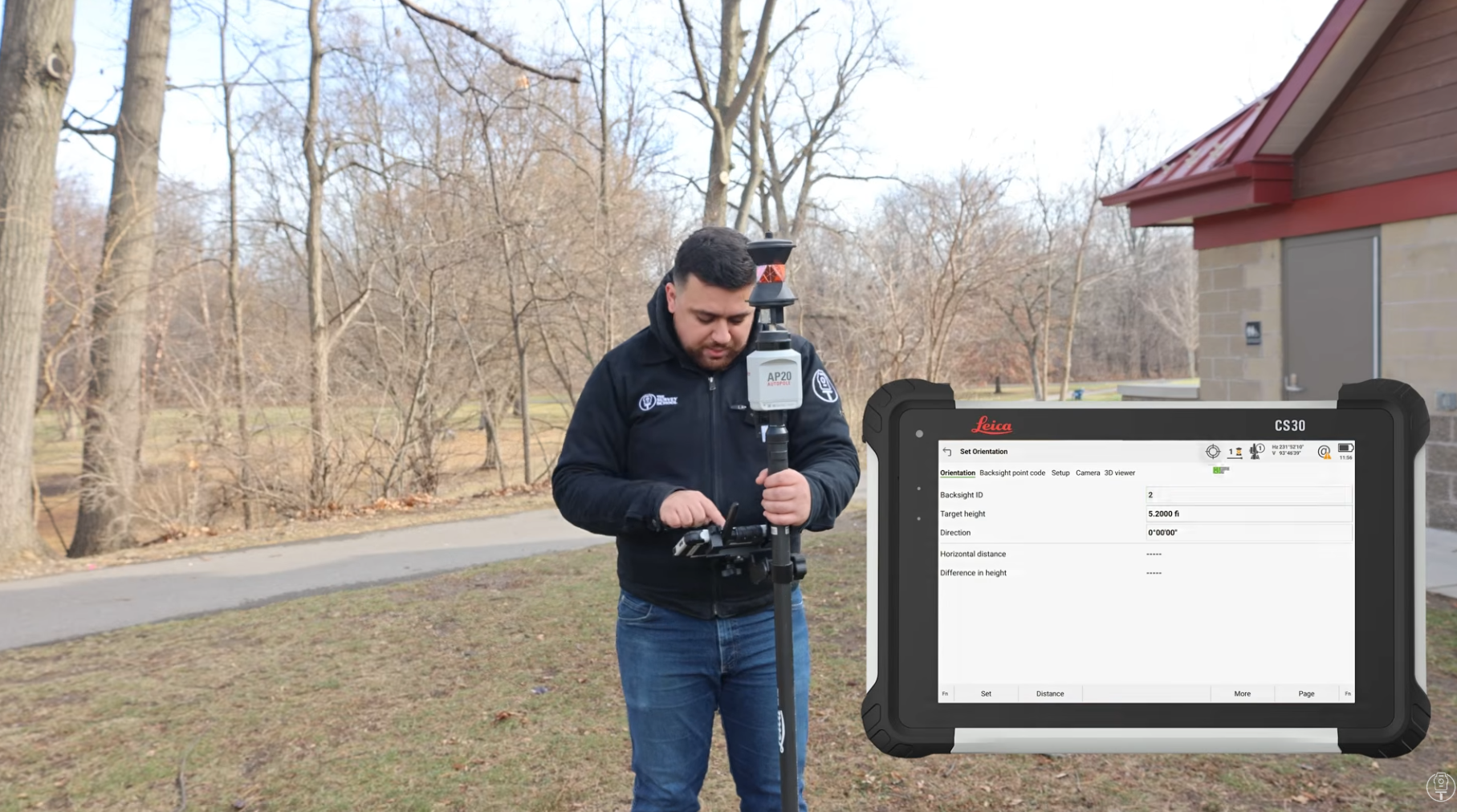
The benchmark was a total station in the front, and a prism to the define backsite. This data set provided the "ground truth" against which all other sensors were measured. While the total station remains the bedrock of professional surveying, it is labor-intensive and costly. It took Rami 2-3 hours in the field to capture data using this traditional set up.
Part 3:
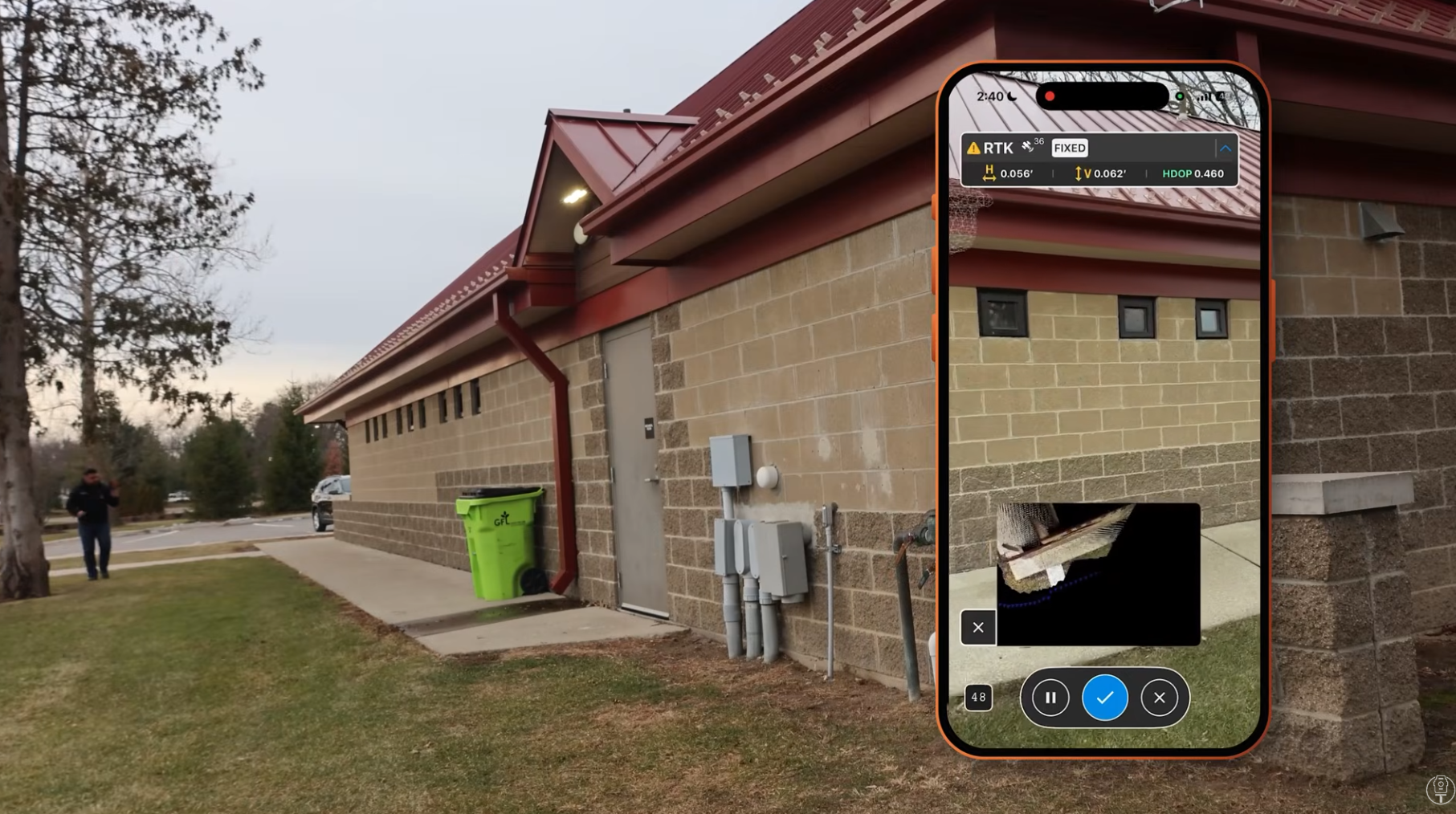
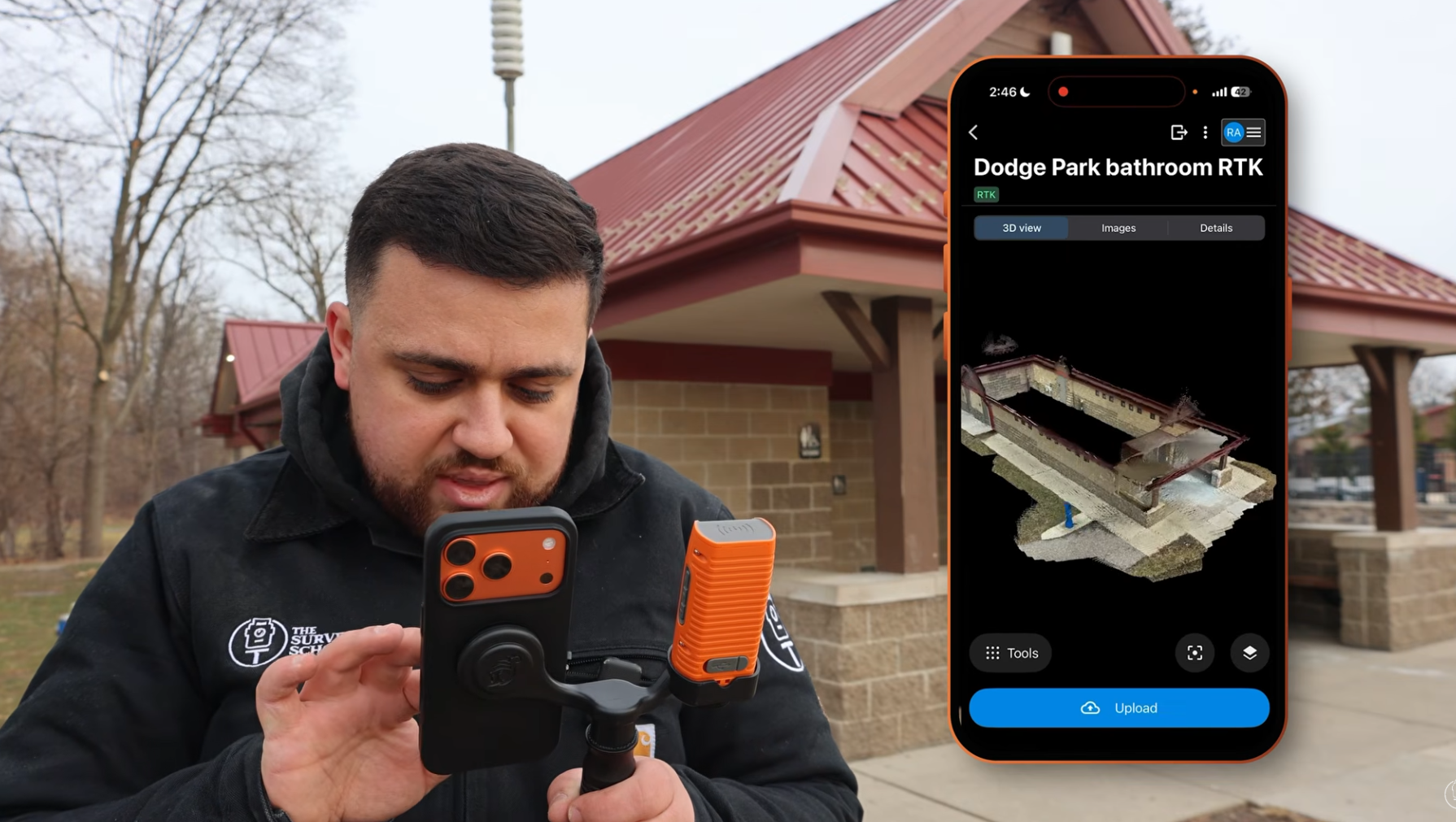
Finally, Rami scanned the building with the iPhone paired with the Bad Elf Flex Mini. You can see in the image above that PIX4Dcatch is RTK-enabled for this project.
Processing the data
The next step was to process the data and then compare the results.
PIX4Dcloud: quick deliverable to share link to client for a collaborative environment PIX4Dmatic: Rami recommends a survey-grade model that you want to be able to work with and have full control over
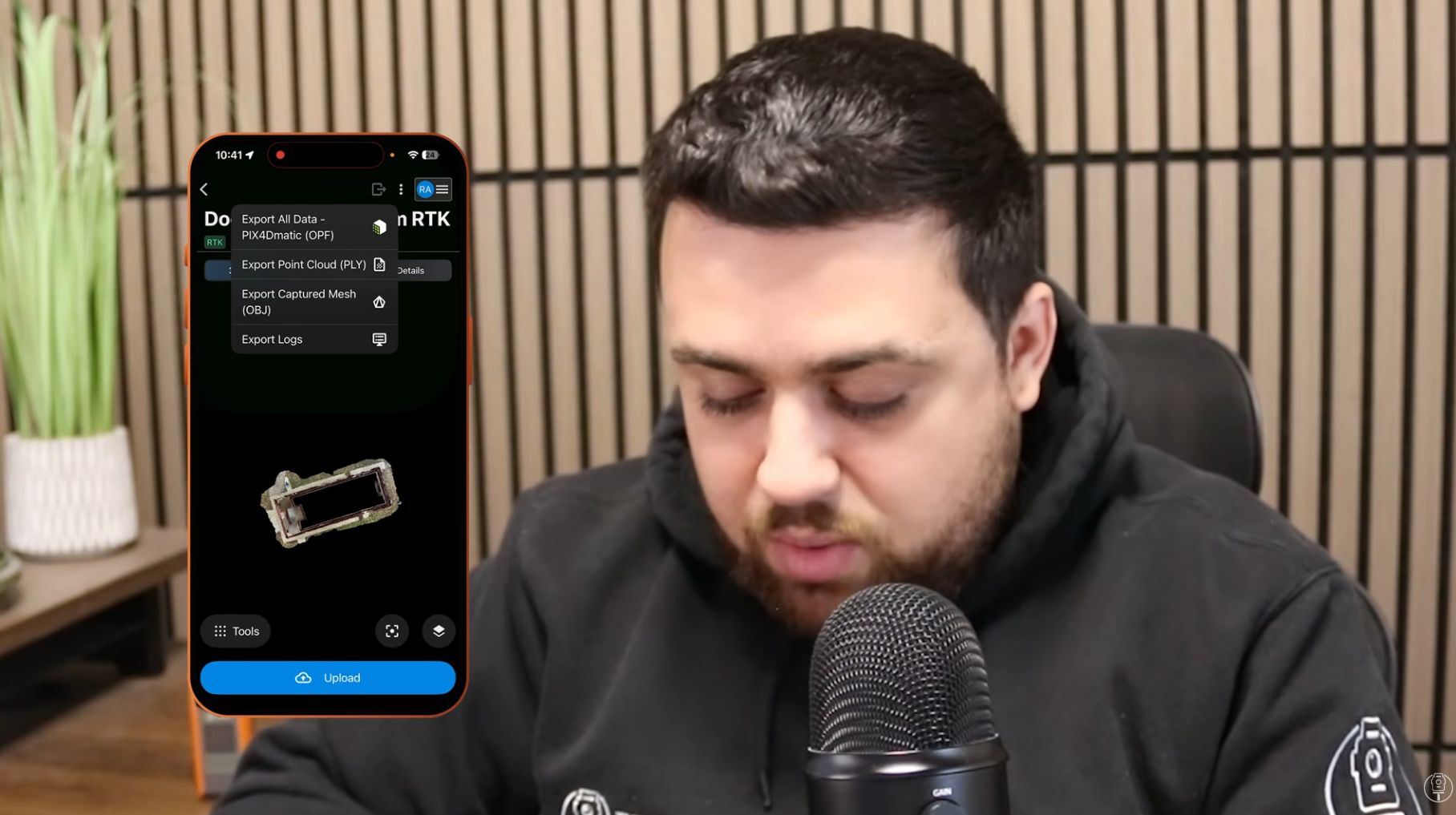
Rami processed the two different datasets (with and without RTK fix) and then exported them from PIX4Dmatic to AutoCAD Civil 3D to compare.
Tested assets in AutoCAD:
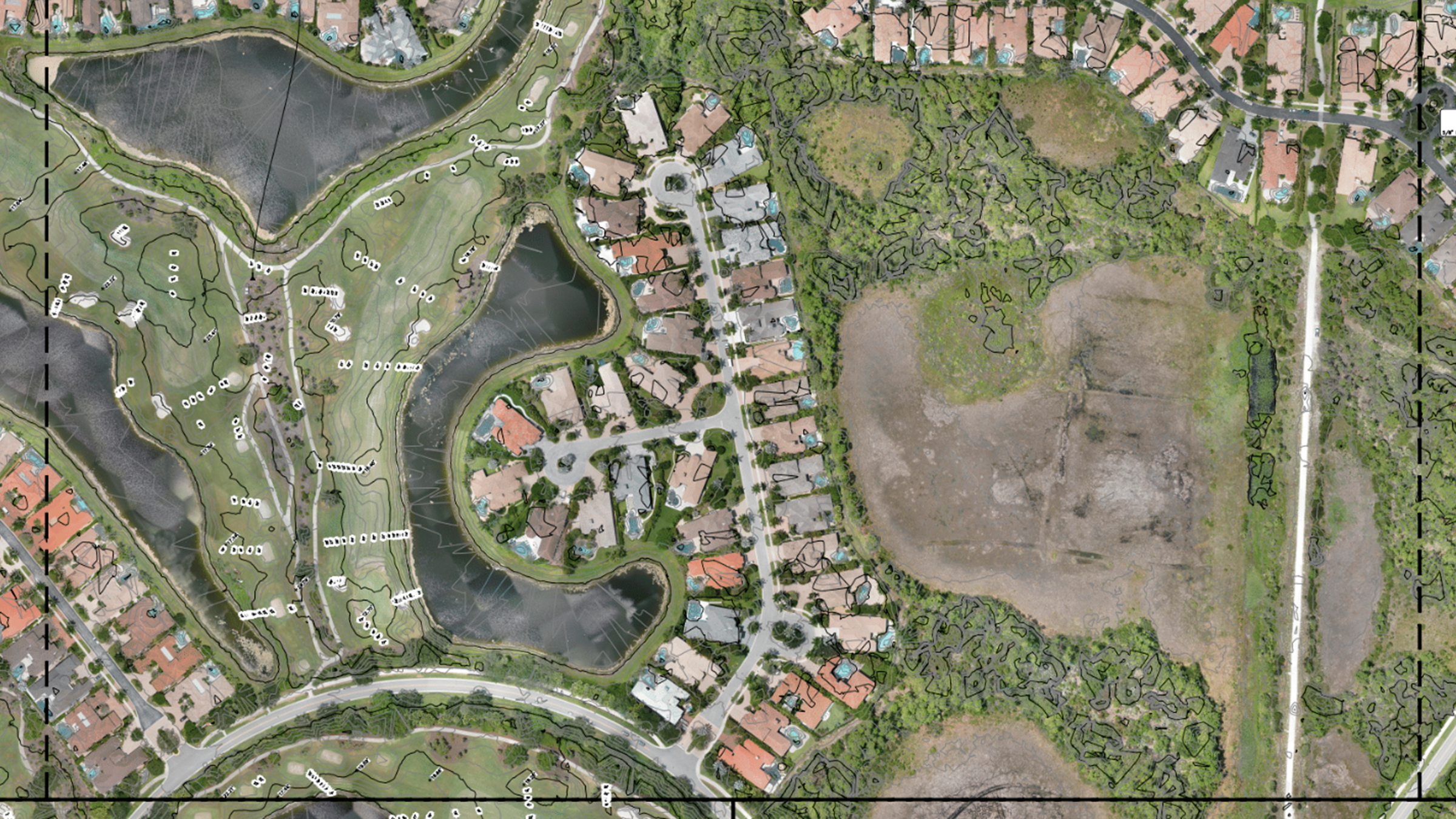
- Orthomosaic: 2D aerial perspective
- TIN model: surface model generated from DEM
- Actual features that were extracted
Quantitative results: side-by-side accuracy
1. Orthomosaic
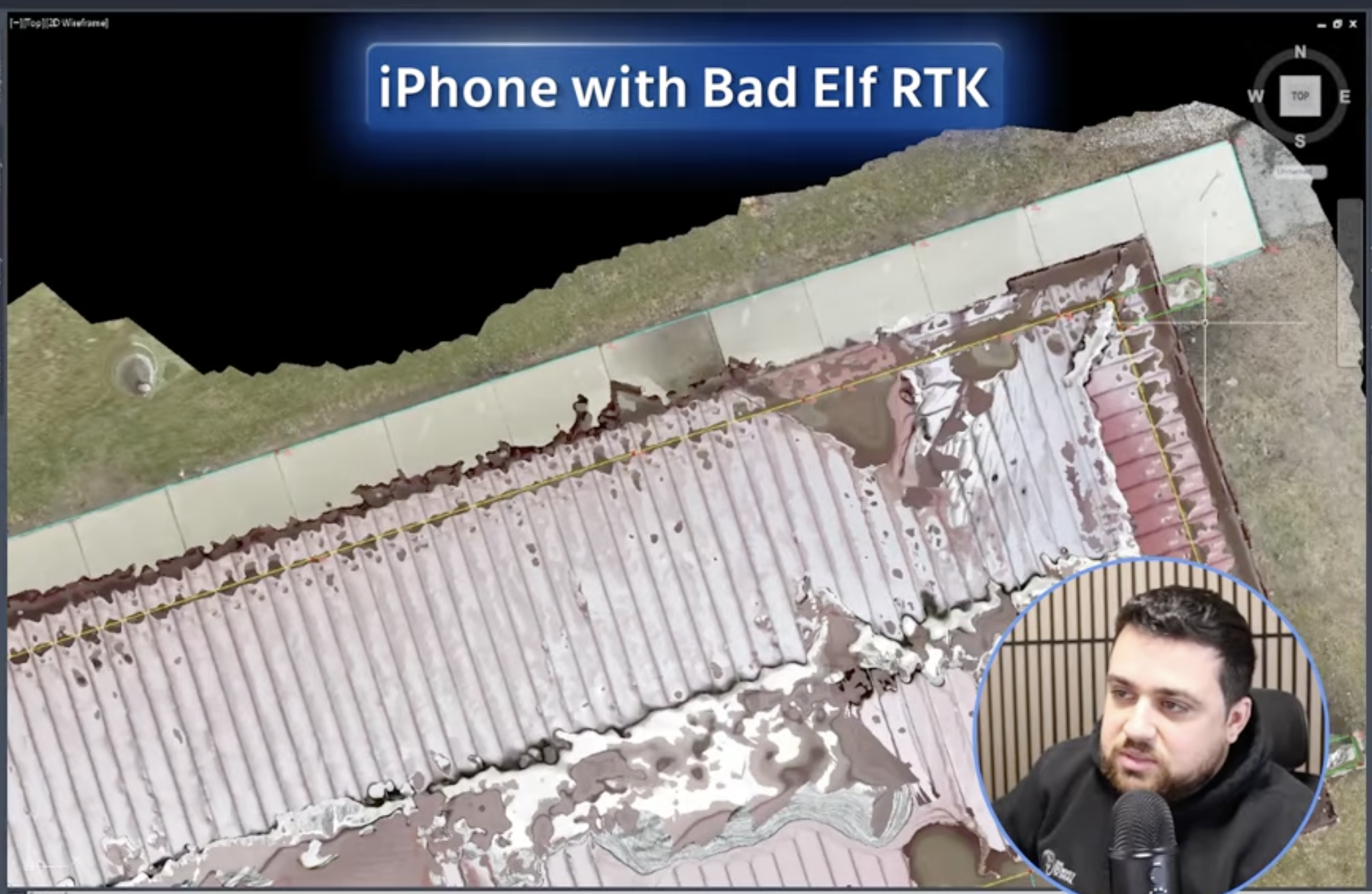
Result: The RTK scan is pretty close. Rami noted that while an orthomosaic isn't always the most mathematically precise deliverable, this one has the high-fidelity look of a raw drone capture. Without RTK, the ortho wasn't usable.
2. Surface model
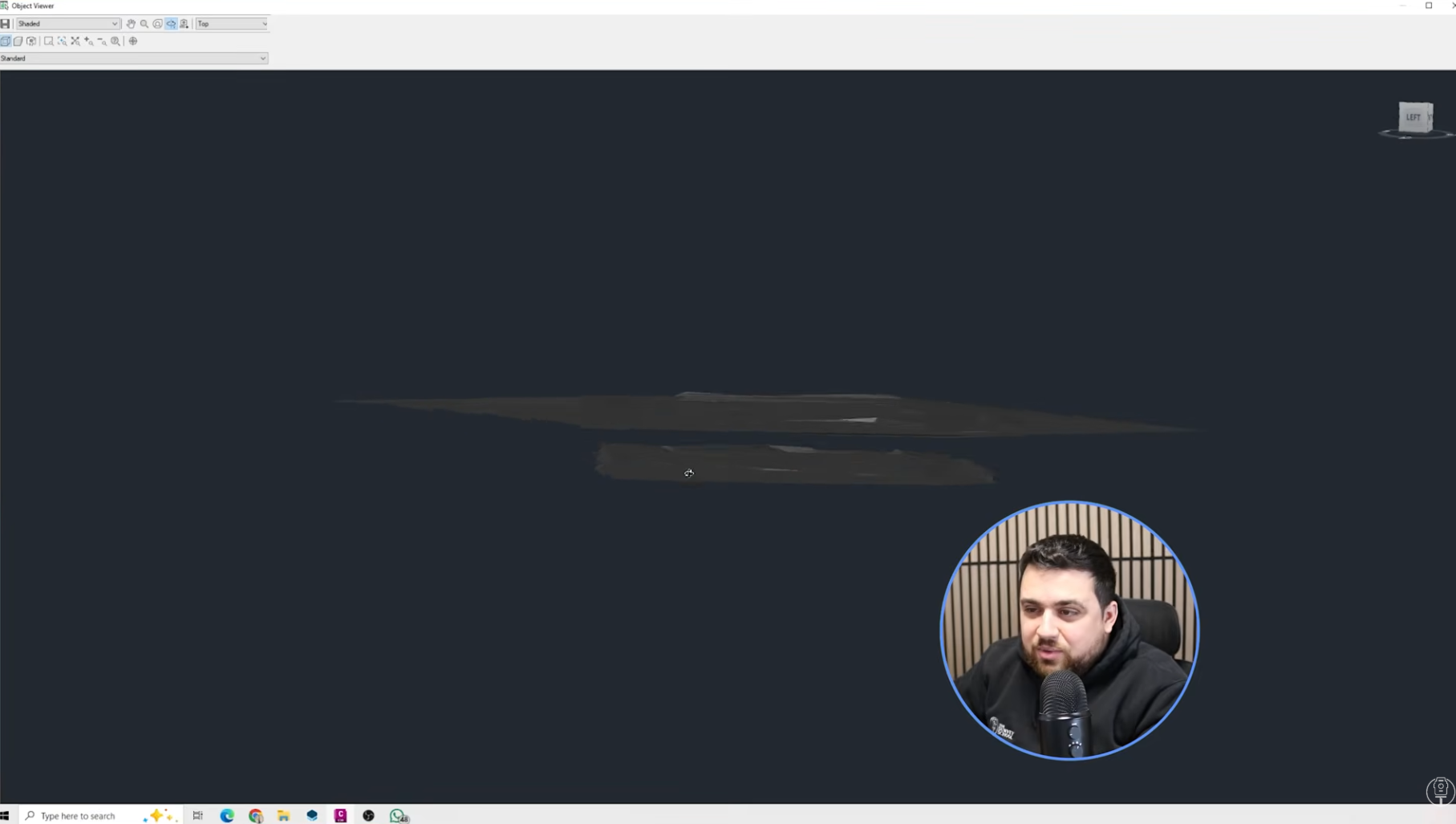
Result: The elevation on the no-RTK solution is lower, just under 2 metres where it should be, although it is pretty consistent. This is what to expect with a single solution GNSS.
Feature extractions:
1. No-RTK feature extractions: the ultimate test__
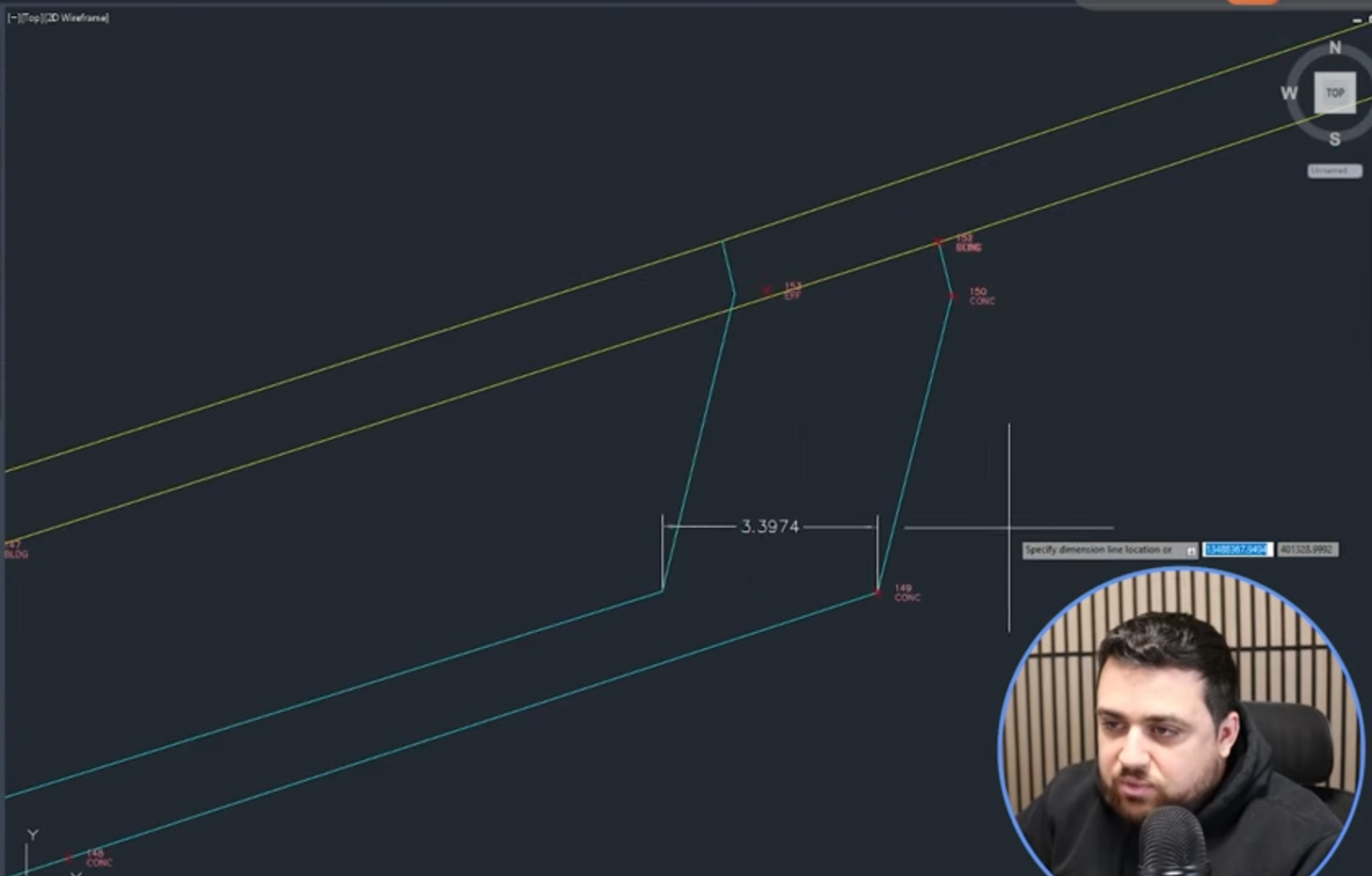
Result:
To was to evaluate the accuracy of linework generated from feature extractions in PIX4Dmatic. When using only a Single GNSS solution (a standard smartphone GPS without corrections), Rami found horizontal errors of 2.5 feet and elevation differences of 4.6 feet. Rami noted that this 2-to-4-foot margin of error is typical for non-RTK setups, which is exactly why he used the RTK device.
2. RTK-fix feature extractions__
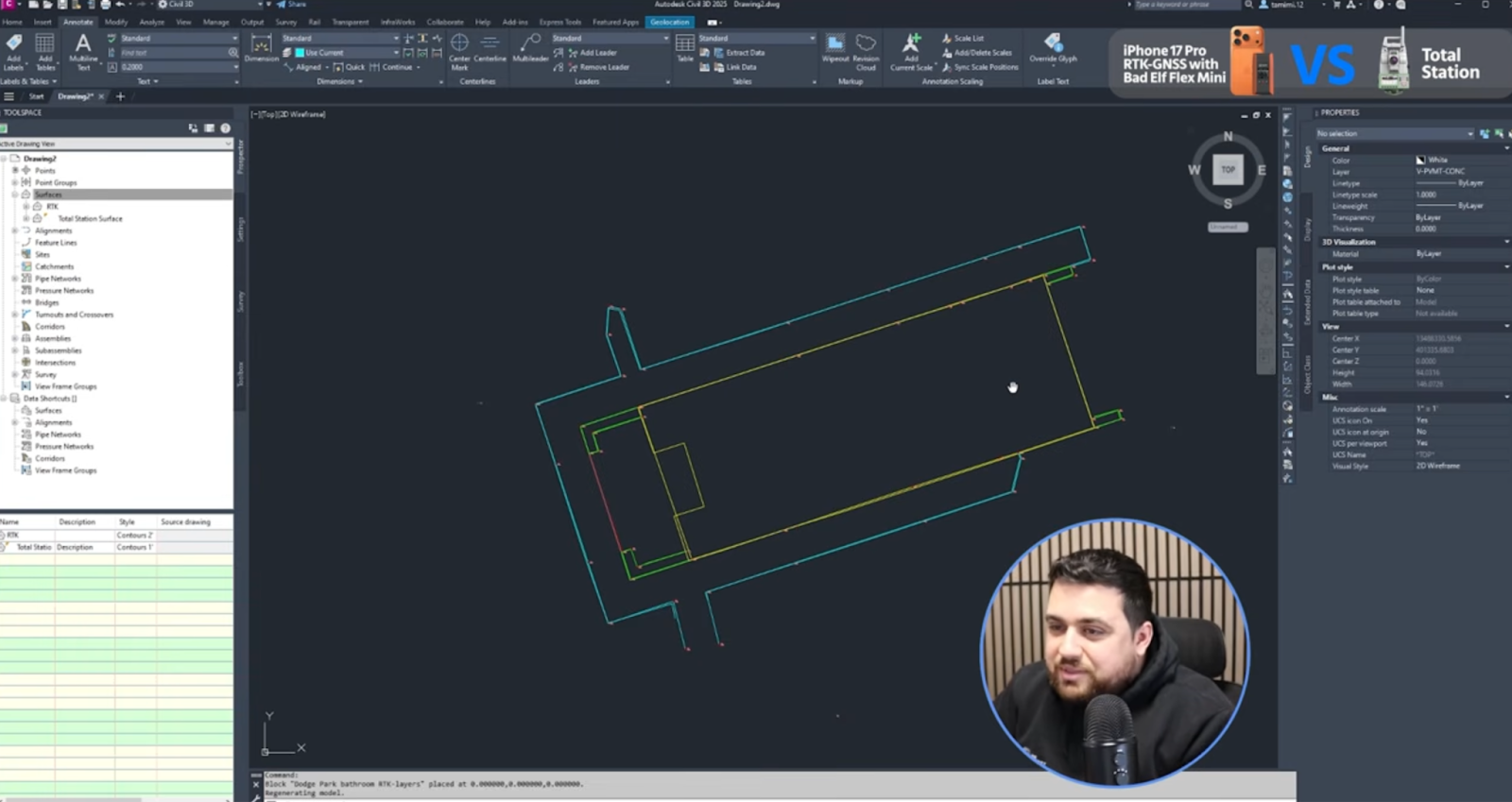
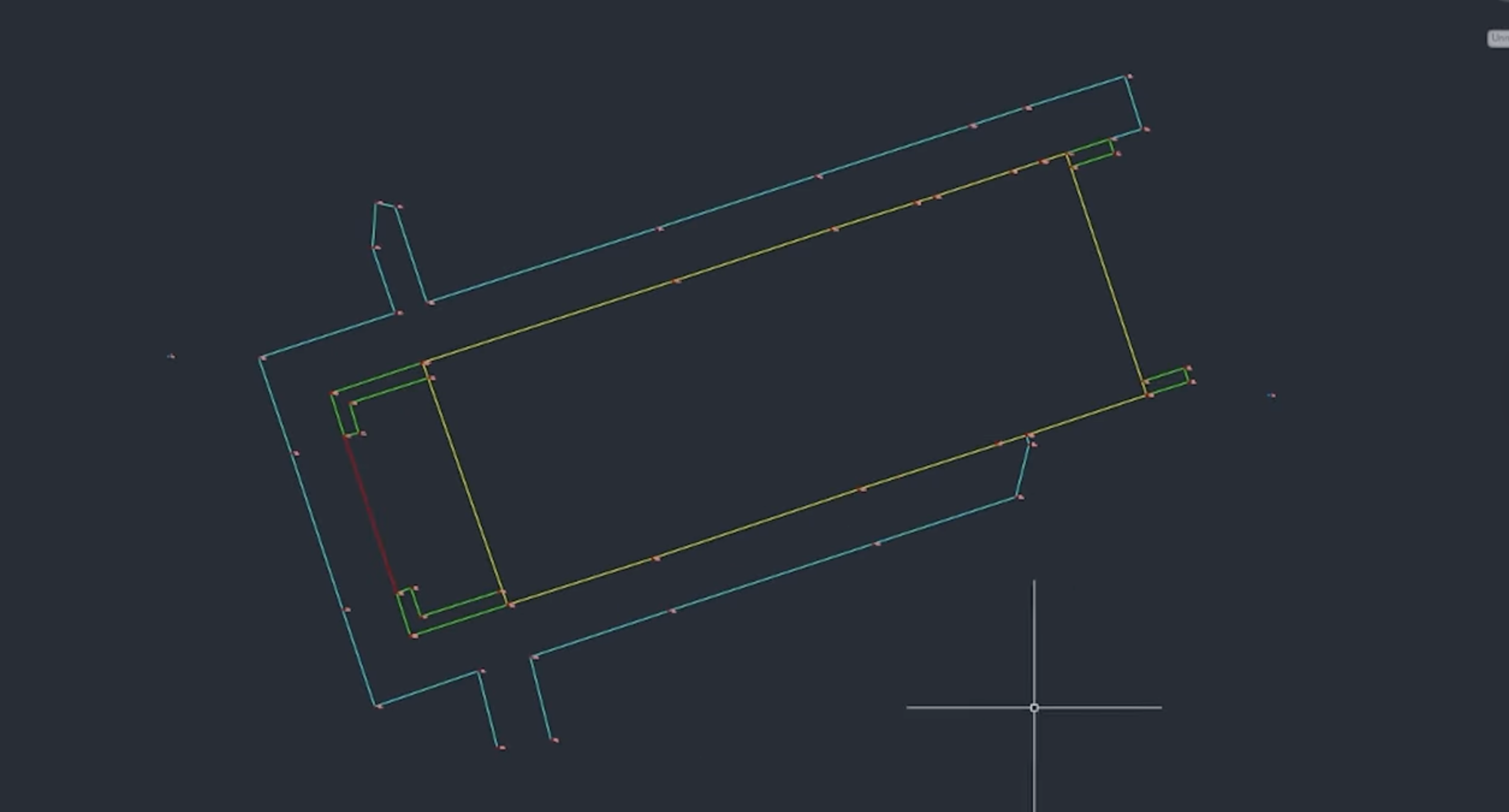
Rami goes around the model and measures between 1-6cm at different points all around the model. The line work from the RTK device to the Total Station data matched almost perfectly. Walking through the digital model, Rami checked various points and found the variance stayed within a tight 1–6 cm range. 'We are seeing a lot of 1.5 cm consistency, which is really nice to see,' Rami remarked, confirming that the mobile RTK solution stays within acceptable limits of accuracy.
Final analysis:
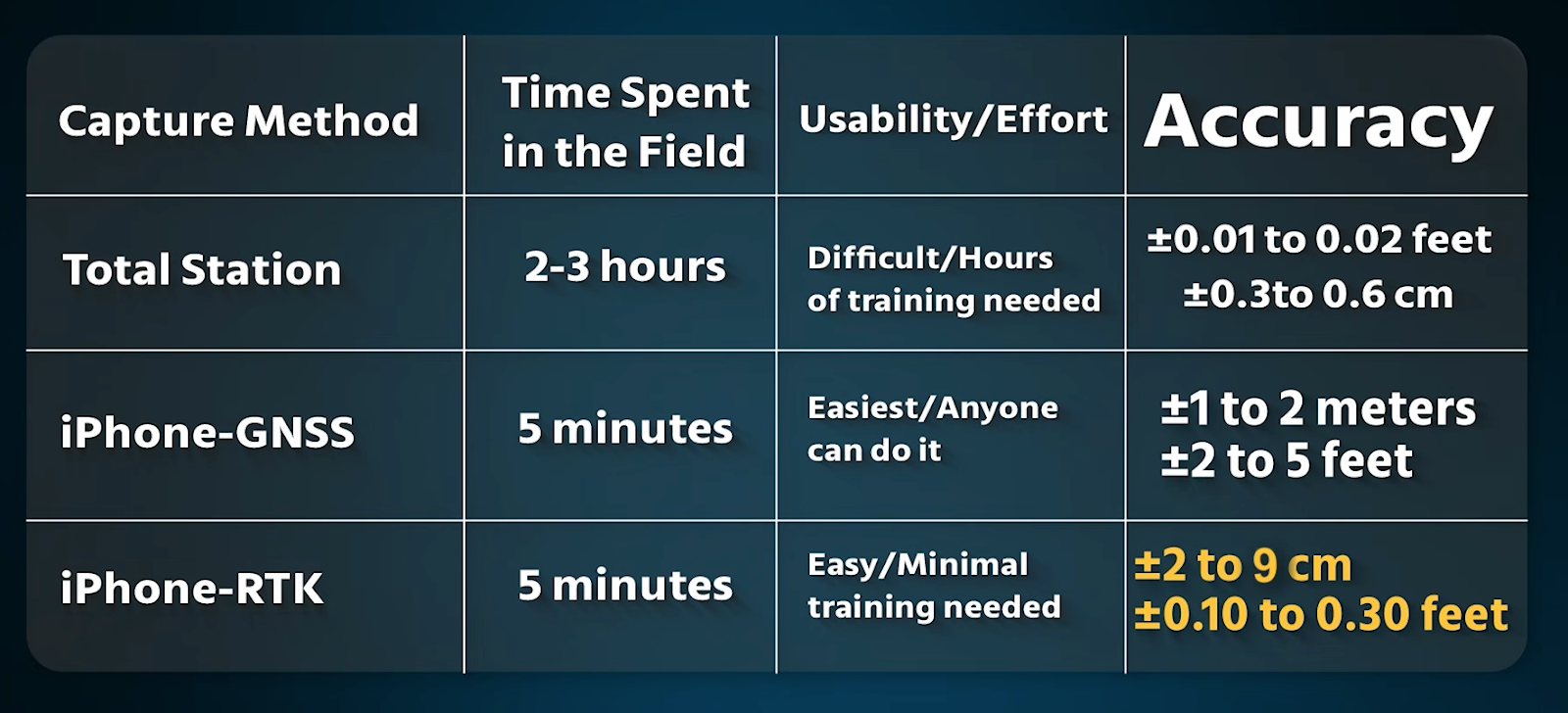
Without RTK: the resulting 3D model suffered from significant "drift." With RTK: by mounting a Bad Elf Flex Mini to the device, the system received centimeter-level corrections.
Watch the above (also available on Rami's youtube channel) to see the whole test in detail
Thanks to Rami Tamimi for carrying out this test. The content of this article has been adapted from the video on Rami's youtube channel, where you can see the test in whole.